
Trunc allows all users to add other users to their account via the user management panel in your dashboard.
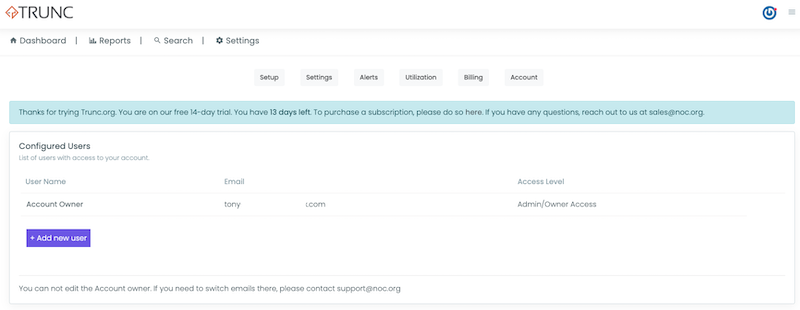
Click Add new User to add a new user:
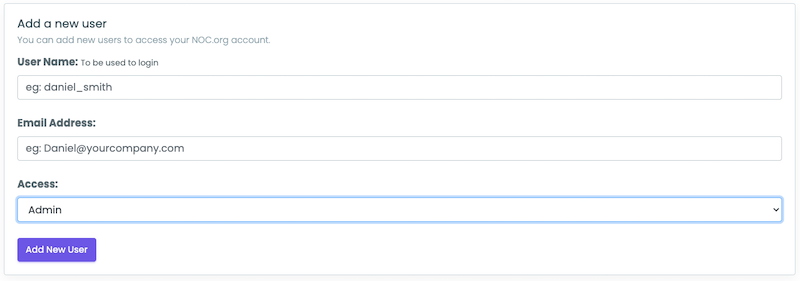
You can set 4 distinct roles:
| Name | Description |
|---|---|
| Admin / Owner | This role owns the account, and is able to cancel the subscription and add users. |
| Admin | This role can make edits to the existing configuration option. |
| Read-only | This role can only see what the settings are, cannot make changes. |
| Billing-only | This role can update billing information, but can’t see or edit configurations. |
When a new user is creatd, it will look like this:

Share the full username and password with your team.